Object Properties
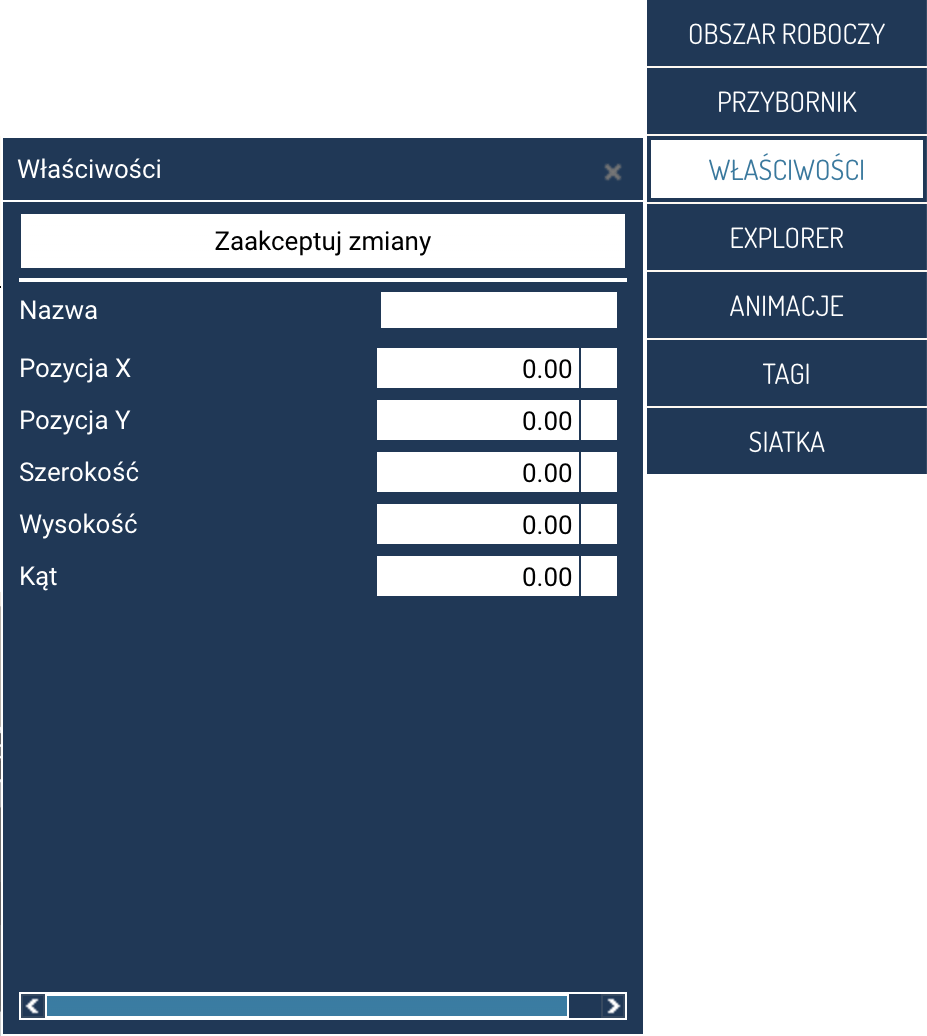
The PROPERTIES panel is used to view and edit the parameters of the currently selected object. Its content changes dynamically depending on the type of element placed on the screen.
To open the panel, click the PROPERTIES item in the function panel menu.
Properties common to all objects
Once opened, the panel contains the basic parameters that are common to every visual object:
- Name – the label identifying the object on the screen.
- Position X / Position Y – the object's coordinates on the screen. The point with coordinates (0, 0) is the top left corner of the working area.
- Width / Height – the object's dimensions.
- Angle – the object's rotation in degrees.
These are the basic parameters responsible for the object's position and size.
Displaying object properties once selected
Once an object on the screen is clicked, the PROPERTIES panel expands with additional parameters specific to that element type. These may include, among others, the values of linked tags, visual style, alarm colors, data sources, ranges, operating modes, or operational parameters.
Each object type has its own set of properties.
Changing properties and confirming changes
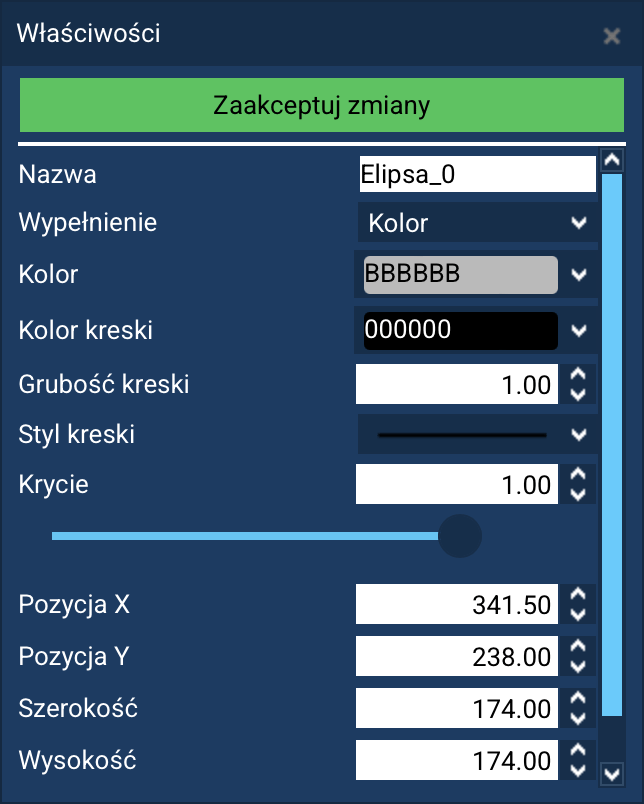
Changes to most parameters are applied immediately and do not require manual confirmation. In such a case, the Accept changes button stays white.
If a property's value requires confirmation (e.g. structural changes or parameters affecting the object's internal configuration), the Accept changes button will be highlighted with color. In that case, click it to save all the modifications made.
Additional configuration windows
Some objects – in particular advanced visualization elements such as charts, summaries, or data components – have additional configuration windows that let you precisely set their operating parameters.
The configuration window can be opened in two ways:
- by double-clicking the object on the screen,
- by pressing the Edit button visible in the PROPERTIES panel.
Such windows contain more extensive settings, e.g. configuration of data sources, chart axes, alarm thresholds, styles, ranges, or how elements are rendered.