Ellipse
Works well as a decorative element, a background, a highlight, or part of more complex symbols. It has all the common properties of simple objects, such as:
- fill (color, gradient, pattern, or none),
- stroke color and style,
- stroke thickness,
- opacity.
Drawing an ellipse
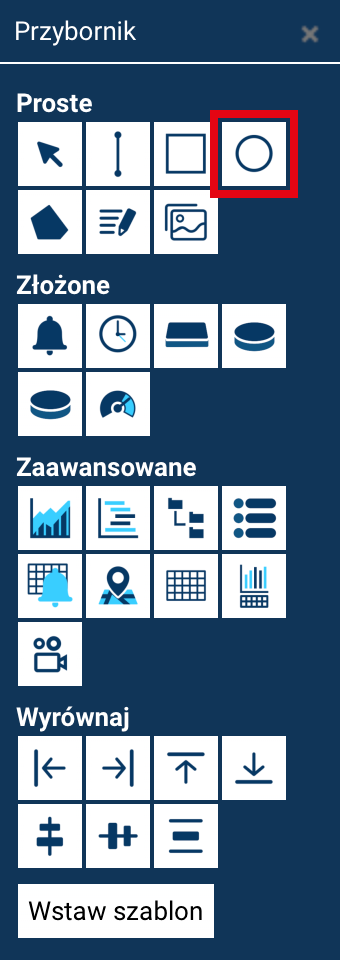
An ellipse can be drawn in two ways, depending on your preferred working style.
Drawing like a rectangle (default method)
- Select the Ellipse tool from the Toolbox.
- Click at the point that will be the first corner of the area enclosing the ellipse.
- Drag the mouse to set its height and width.
- Release the mouse button to finish drawing.
In this mode, the ellipse fits within the rectangle defined by the two specified corners.
Drawing from the center (with Ctrl held down)
- Select the Ellipse tool.
- Hold down the Ctrl key.
- Click at the point that is to be the ellipse's center.
- Move the mouse to give it its size and shape.
- Release the mouse button to finish drawing.
In this mode, the ellipse expands radially from the specified center point.
Drawing circles
To draw a perfect circle, hold down the Shift key while drawing — this works in both modes: corner-based and from-the-center.