TANKS
The TANKS group includes templates used to visualize tanks, silos, and liquid level preview elements. These objects are used to graphically represent the current fill level based on values read from tags.
The TANKS group includes the following templates:
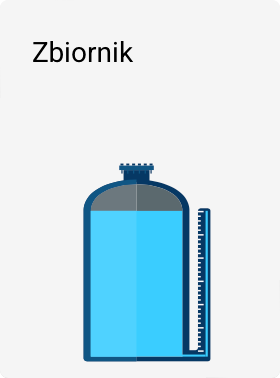
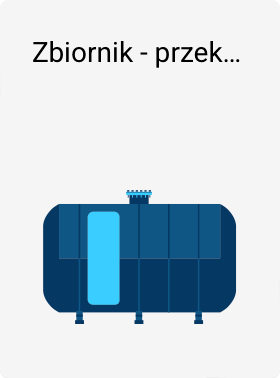
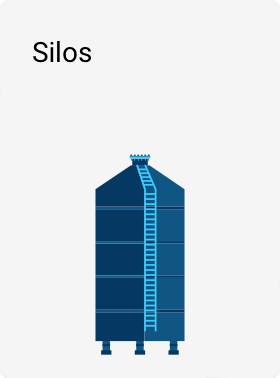
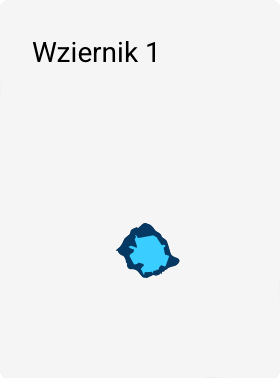
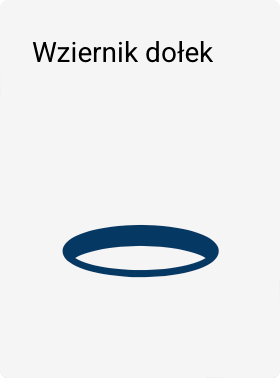
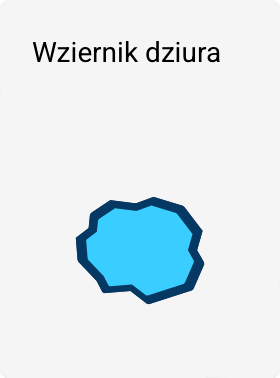
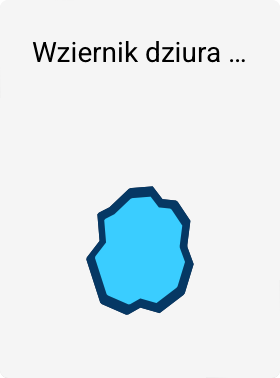
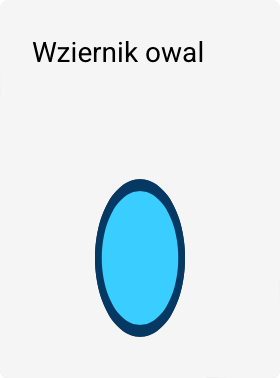
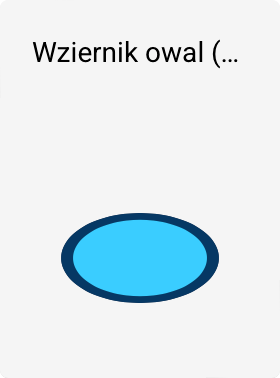

Variants and orientation
- The (90°) label indicates that a given template is rotated by 90° relative to its base version.
- The Sight glass - dimple is an exception in this group – it is a static graphic object (a set of curves) and does not support liquid level visualization.
Linking with tags
All templates in this group – except the Sight glass - dimple – can be linked to tags.
The tag value is used to dynamically map the liquid level within the given object (tank fill level, level in the preview window, etc.).
Min and Max parameters
Templates that support liquid level visualization have the following parameters:
-
Minimum value (Min)
Defines the lower range of the tag value that corresponds to an empty or minimum fill level. -
Maximum value (Max)
Defines the upper range of the tag value that corresponds to a full or maximum fill level.
The Min and Max parameters define how the tag value is mapped to the fill level of the tank or sight glass, regardless of the actual range of the measured variable.
Properties and color scheme
Most templates in the TANKS group have extended visual properties, including:
- color scheme configuration (e.g., tank and liquid color),
- the ability to use ready-made color presets,
- copying and pasting colors between different templates.
This makes it possible to maintain a consistent appearance across all installation elements.