INDICATORS
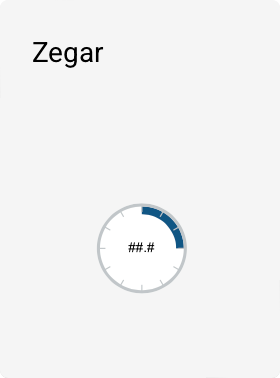
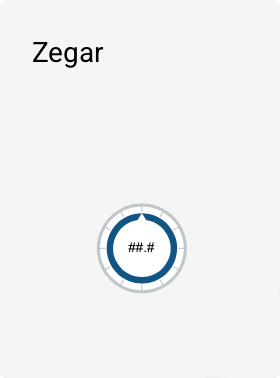
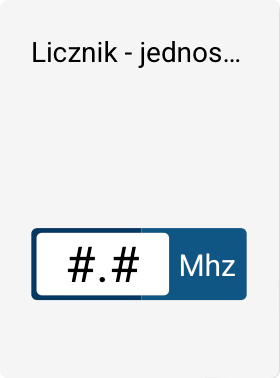
The INDICATORS group includes ready-made object templates used to visualize measured values, numeric states, and time and system information. These are dynamic elements that most often present data coming from tags or from the system's state.
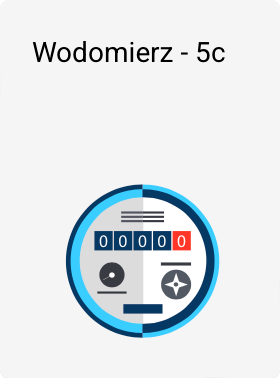
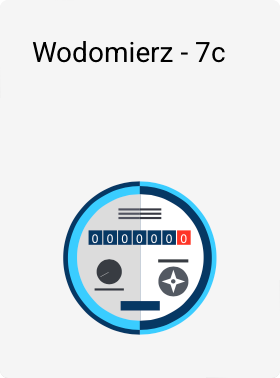
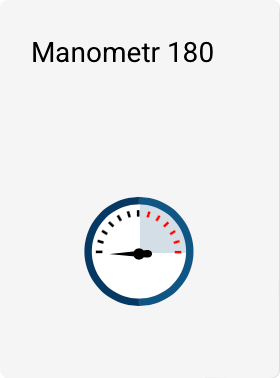
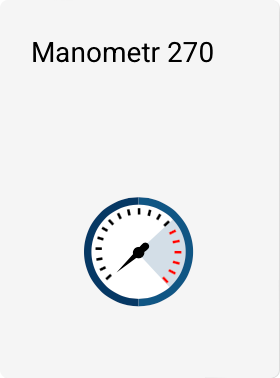
The INDICATORS group includes the following templates:
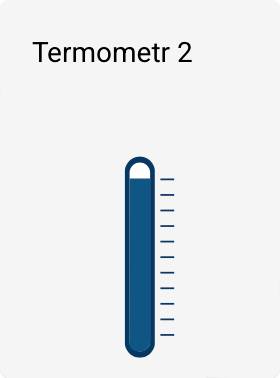
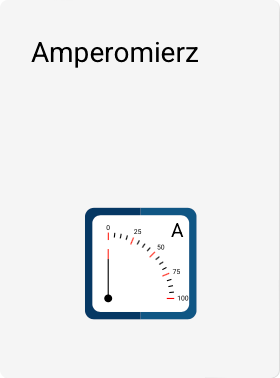
Indicator properties
All objects from the INDICATORS group have basic properties available in the PROPERTIES panel in the Toolbox:
- Position
- Size
- Angle of rotation
In addition, each of these templates has extended parameters, available in a separate Properties window, which can be opened:
- by double-clicking the object on the screen, or
- using the Edit button in the properties panel in the Toolbox.
The range of available parameters depends on the selected indicator type.
Colors
All templates in this group let you configure colors:
- the primary color,
- the inner (secondary) color,
- and, in some cases, also a complementary color.
Ready-made color presets are available, which can be quickly applied to an object. It is also possible to copy and paste colors between different templates, making it easier to keep the screens' styling consistent.
Linking with tags
All indicators in this group – except for the alarm counter – let you link them to a tag, whose value is displayed or symbolized by the given object.
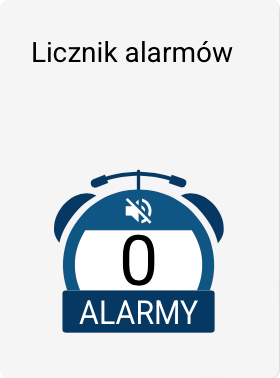
The alarm counter does not require a tag to be linked – it presents the number of currently active alarms within the project.
Detailed information on configuring individual indicators and their parameters can be found in dedicated chapters of the documentation.
Additional parameters for clock-type indicators
Some indicators in the INDICATORS group, in particular templates in the form of clocks, have additional configuration parameters:
-
Minimum value (Min)
Specifies the lower range of the tag value that corresponds to the minimum deflection of the needle. -
Maximum value (Max)
Specifies the upper range of the tag value that corresponds to the maximum deflection of the needle.
The Min and Max parameters define how the tag's value is mapped onto the clock's indication range.
In addition, indicators of this type may have the parameter:
- Number of decimal places
Specifies the precision of the numeric value presented on the clock.