SWITCHES
The SWITCHES group contains elements used both for control and for visualizing the state of switches in installations and technological processes. These templates can represent actual physical switches, logical states, device operating modes, or other binary signals.
Below is a list of the available switch templates:
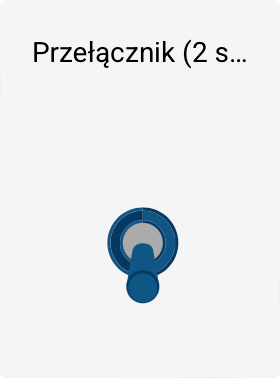
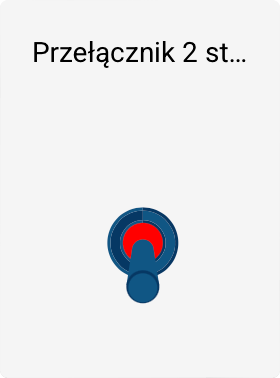
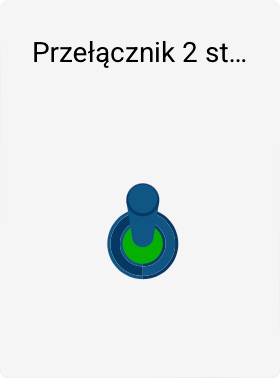
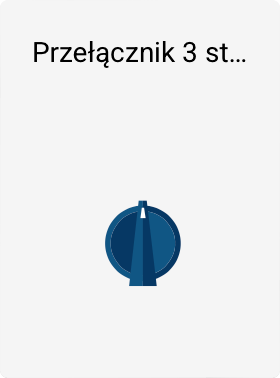
Switch properties
All switch templates share common object properties, such as:
- object name,
- position on the screen,
- size,
- rotation angle.
Two-state switch – extended properties
Only the first template - the Two-state switch, has additional, dedicated properties, allowing it to be directly linked to the system's logic:
-
Switch state tag
Allows you to specify the tag whose value determines the switch's current state. -
Logical state definition
You can define: - which tag value represents the On state,
-
which tag value represents the Off state.
-
Turn-on script
A script triggered when the switch is clicked while it is in the off state. -
Turn-off script
A script triggered when the switch is clicked while it is in the on state.
Thanks to these properties, the two-state switch can serve as an active control element, initiating specific actions in the system.
Other templates in the group
The remaining templates in the SWITCHES group primarily serve to visualize state.
They do not have built-in logical properties or a direct link to tags or scripts.
However, their behavior can be modified by:
- assigning animations,
- configuring animation in the tool panel using the ANIMATIONS command.
This allows, among other things:
- changing the switch's appearance depending on a tag value,
- simulating a state change,
- dynamically reacting to changes in the technological process.