Date and Time
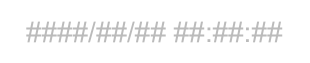
The Date and time object (Time stamp) is used to display the current date and/or time on the screen.
The value is refreshed automatically, so the user always sees the current time.
Inserting the object onto the screen
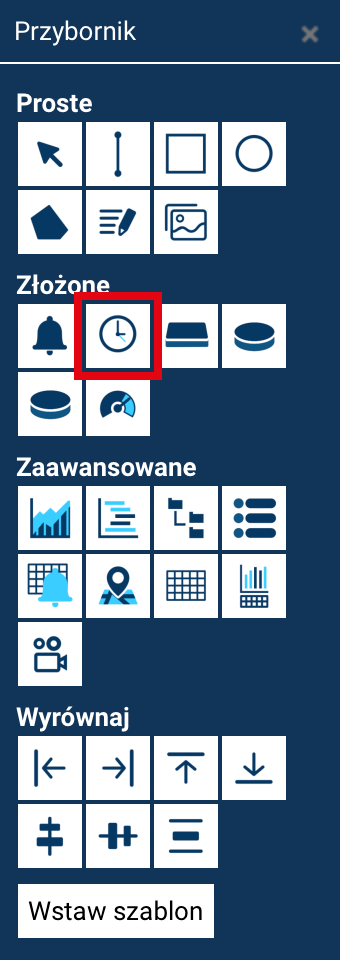
To add a clock showing the current date and time:
- Open the Toolbox.
- Select Time stamp.
- Click on the screen at the place where you want to put the counter.
Once inserted, the object can be moved and scaled.
Object properties
The object offers the standard properties common to all screen elements:
- Name – the object's identifier, visible in the screen's structure.
- Position X / Position Y – the object's position on the screen.
- Width / Height – the control's dimensions.
- Angle – the object's rotation around its center.
Object appearance
The object lets you adjust how the date and time are presented visually:
- Text color – sets the color of the displayed text.
- Text size – specifies the font size.
- Font type – select a typeface from the available list.
- Alignment – positions the text within the object (left, right, or centered).
- Text display style – lets you choose one of four styles:
- normal,
- bold,
- italic,
- bold + italic.
Thanks to these settings, the element's appearance can be easily matched to the style of the entire visualization.
Behavior
- The object works independently of any tags.
- The value is updated automatically according to the system clock.