Text
The Text tool is used to place descriptions, labels, headers, tag values, and any other text elements on the screen. Text is a full-fledged object that has both the properties common to simple objects (fill, stroke, opacity) and a set of typographic parameters.
Inserting text
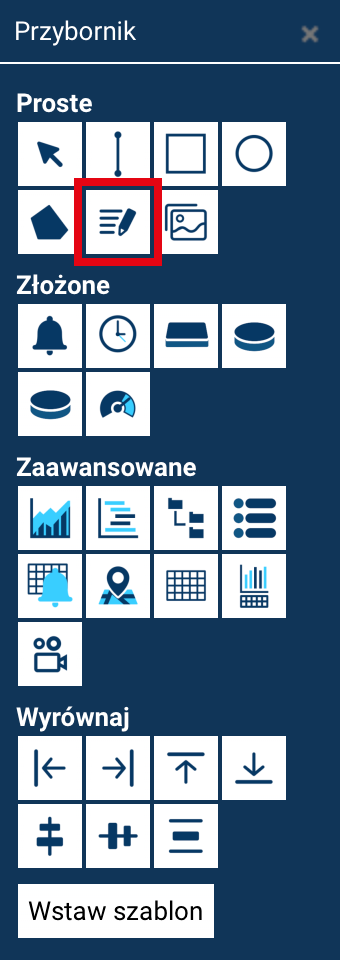
To add text:
- Select the Text tool from the toolbox.
- Click at the point where you want to place the text.
- A built-in editor (the so-called in-line editor) will appear, in which you can type the content.
Finishing text entry
In the in-line editor, pressing Enter adds a new line (it does not end text editing). To finish editing, click outside the text field.
Editing existing text
To edit text you have already entered:
- Double-click the text field, or select the text editing command from the context menu in the object explorer panel.
- The Edit text dialog box will open, where you can modify the content.
Enter also adds a new line, and the ACCEPT CHANGES button confirms the changes.
Text properties
A text object has all the common properties of simple objects, namely fill (color, gradient, pattern), stroke (stroke color, thickness, style), and opacity.
It additionally offers typographic properties:
-
Text size — the recommended method for changing the text's size.
Scaling text
Instead of scaling the object, change the font size to keep the letters and border in correct proportion.
-
Font — choice of font, e.g.
Arial. - Style — Normal, Bold, Italic, Bold + italic.
- Alignment — left, center, or right.
Text as a display of tag values
A text field can also serve as a dynamic element displaying the current value of a tag.
While designing:
- you type in any placeholder text (acting as a placeholder),
- then, in the Animations module, you link the object to the appropriate tag.
In run mode:
- the text field will automatically display the latest value of the assigned tag,
- the placeholder text is replaced with the actual value from the system.
As a result, a text object can be used both as a static description and as a visualization element presenting current telemetry data.