LAMPS
The LAMPS group contains elements used for the visual signaling of states and processes on the system's screens. They can serve as informational, warning, or status indicators – depending on their configuration and how they are linked to data (tags).
The LAMPS group includes the following templates:
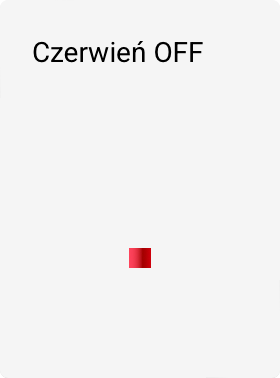



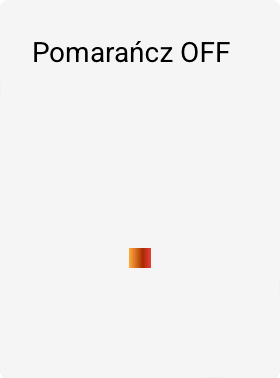

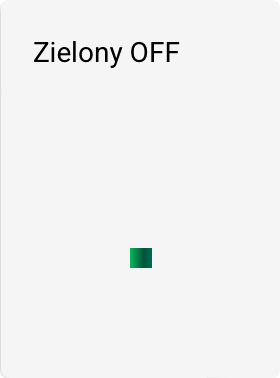

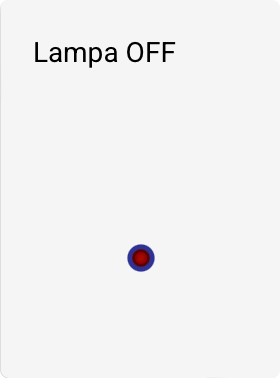
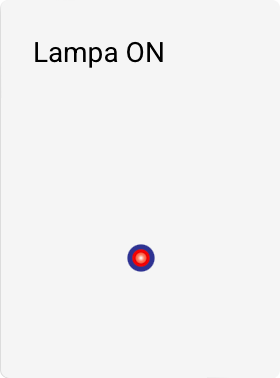

Characteristics of lamp templates
- Lamp templates are not animated by default.
- Their appearance (color, visibility, intensity) can reflect the current state of the technological process.
- They can be used, among other things, to signal:
- equipment running / stopped,
- alarm state,
- automatic / manual mode,
- availability of a medium or power supply.
Animating lamps
Although the lamp templates themselves do not contain built-in animation, they can be animated using the object animation mechanism.
To assign an animation to a lamp:
- Select the desired lamp object on the screen.
- In the tool panel, choose the ANIMATIONS command.
- In the displayed window, select the appropriate animation type.
- Configure the animation conditions (e.g., based on a tag value).
Animations make it possible to, for example:
- make the lamp blink,
- change color depending on the state,
- make the object appear and disappear,
- create smooth visual transitions signaling a process change.