PUMPS
The PUMPS group contains object templates used to visualize pump operation in process installations. These objects allow the pump's operating state to be presented dynamically, through animation of moving elements.
The PUMPS group includes the following templates:
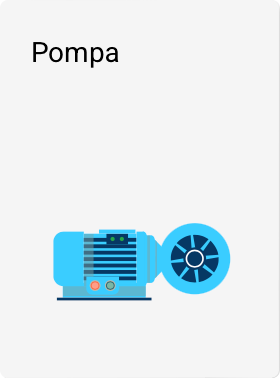

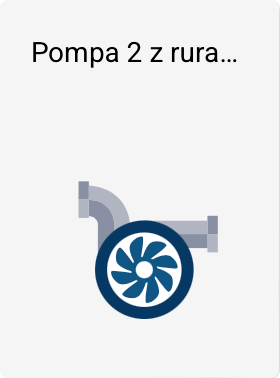
Linking with tags
All templates in this group can be linked to tags. The tag value is used to determine the pump's operating state.
Pump operation animation
Pump templates are animated – the object displays the movement of the rotor (blades), symbolizing the device's operation.
The animation is controlled in a binary (zero-one) manner:
- when the linked tag's value is equal to 0 – the rotor remains stationary,
- when the tag's value is greater than 0 – the rotor rotates.
The rotor's rotation speed is not proportional to the tag value – the animation only indicates the running / not running state.
Properties and color scheme
-
The Pump template has additional visual properties, allowing you to:
- change colors,
- use color presets.
-
The Pump 2 and Pump 2 with pipes templates do not have additional color settings – their appearance is fixed.
All other properties, such as position, size, or rotation angle, are available as standard in the Properties panel in the Toolbox.