OTHER
The OTHER group includes various object templates used to visualize infrastructure elements and technological processes that don't fit into the other, more specialized groups. These are elements associated mainly with motion, energy flow, heat exchange, or medium mixing, and they primarily serve an informational and illustrative function.
Below is a list of the available templates in the OTHER group:
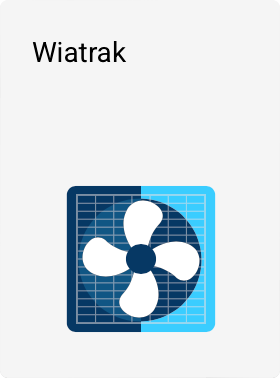
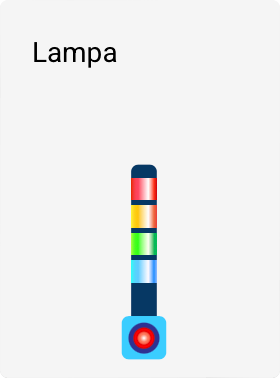
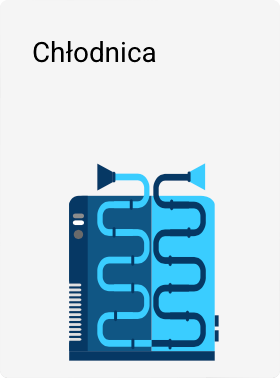

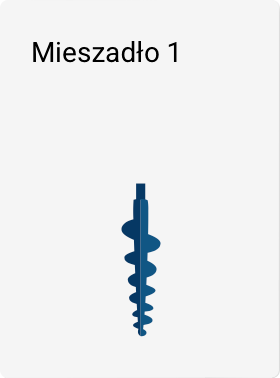

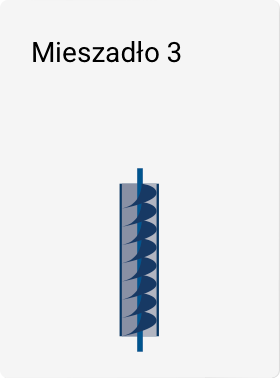
Template properties
All templates in the OTHER group have standard, common object properties, such as: - object name, - position on the screen, - size, - rotation angle.
Fan – extended properties
Only the first template in this group, the Fan, has additional logical properties allowing it to be linked to system data:
- Fan operation control tag
Allows you to specify the tag whose value determines whether the fan: - rotates (active state),
- remains stationary (inactive state).
This makes it possible to directly reflect the device's operation on the screen, e.g., depending on the installation's operating state or a control signal.
Other templates in the group
The remaining templates in this group do not have built-in logical properties or a direct link to tags.
However, their behavior and appearance can be modified by:
- assigning animations,
- configuring animation in the tool panel using the ANIMATIONS command.
This allows visual representation of process state changes, such as a device starting or stopping operation, without requiring dedicated logic within the template itself.