Gantt Chart
The Gantt chart is an advanced object used to present time-based dependencies between signals in the system.
This chart uses binary tags (e.g. states 0/1, OFF/ON), which are visualized as horizontal time bars. Each tag is presented on a separate row, and the bars are arranged one above the other, providing a clear and organized chart structure.
The appearance of a bar indicates the period during which a given binary tag was in an active state. The bar's length corresponds to the duration of that state, and its position on the time axis shows the exact moment it started and ended.
This form of visualization makes it possible to:
- compare the activity times of multiple binary tags,
- analyze sequences of events,
- study the time-based dependencies between signals,
- identify the co-occurrence of, or delays between, states of individual tags.
The Gantt chart is especially useful for analyzing processes, control operations, and events where the duration and mutual relationships of binary signals are of key importance.
Adding a chart to the screen
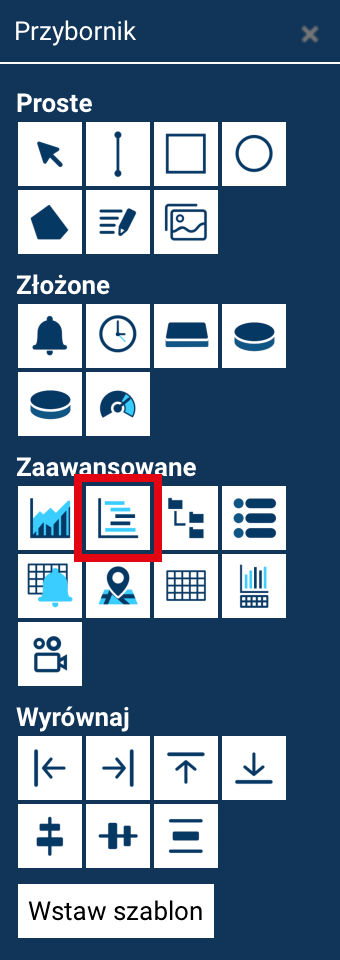
To add a chart to the screen being designed:
- Select the Standard Gantt chart tool from the tool panel (Toolbox).
- Then:
- click once on the screen – the chart will be inserted with a default size, which can be changed later
or - click and drag, marking out a rectangle – the chart will be created immediately at the specified size.
- click once on the screen – the chart will be inserted with a default size, which can be changed later
In both cases, the chart's position and size can be freely modified later.
The standard properties of a chart-type object include position and size. For a chart, the rotation angle is ignored.
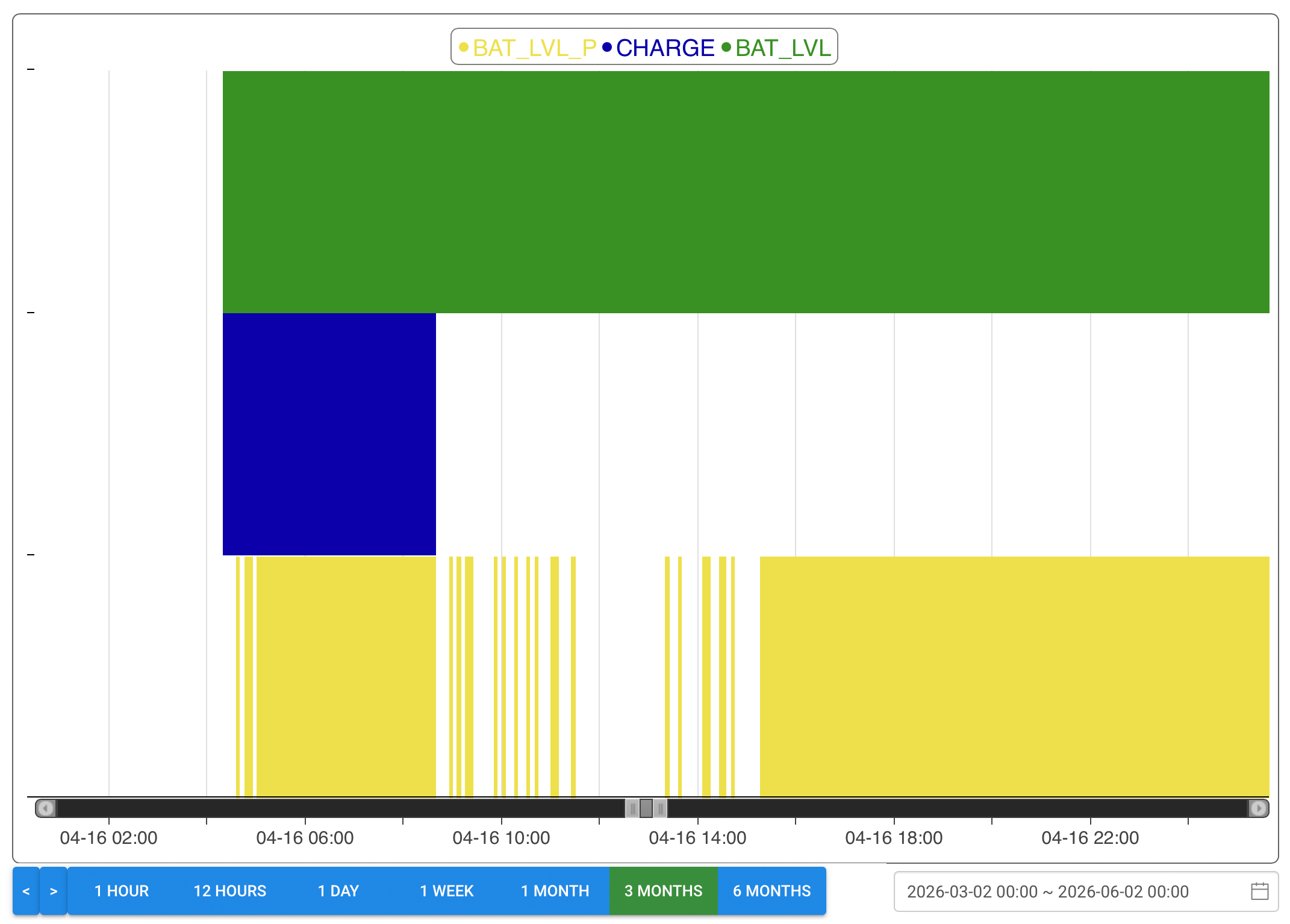
Editing the chart
Editing a Gantt chart works in a way analogous to editing a standard chart, as described in the previous chapter of the documentation.
The same mechanisms and settings are available, in particular:
- selecting the data series (tags) for the chart,
- options related to displaying the chart's axes,
- specifying the chart's style, colors, the visibility of individual elements, etc.
The way the edit windows work, how they are opened, and the range of available options are consistent with the standard chart, ensuring uniform and predictable behavior of chart objects in the system.