PIPES
The PIPES group contains elements used to build diagrams of process installations, pipelines, and connections between devices. These objects allow the flow of media on screens to be represented in a clear and visually consistent way.
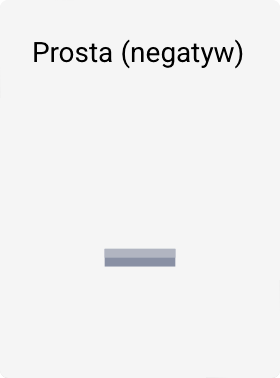
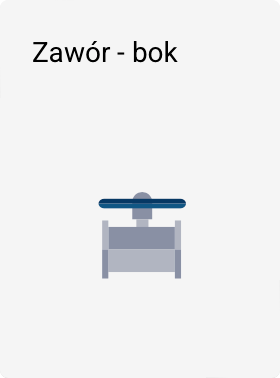
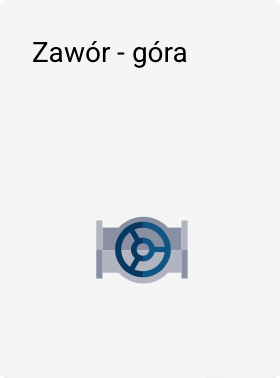
The PIPES group includes the following elements:













Tip
Click the image with a symbol above to display its description.
Element variants
- The (negative) marking indicates that a given element has inverted colors compared to the base version.
Element properties
All elements in the PIPES group have basic properties available in the Properties panel in the Toolbox:
- Position
- Size
- Angle of rotation
Additional properties are available in the Properties window, which can be opened:
- by double-clicking the object on the screen, or
- using the Edit button in the Properties panel in the Toolbox.
The range of additional properties is deliberately limited and covers only:
- Primary color
Colors
For elements in the PIPES group, the following are available:
- ready-made color presets,
- the ability to copy and paste color between different objects.
This lets you quickly unify the appearance of the installation and keep the aesthetics of the entire diagram consistent.